
Video guide · 30 minutes · HD 1080p
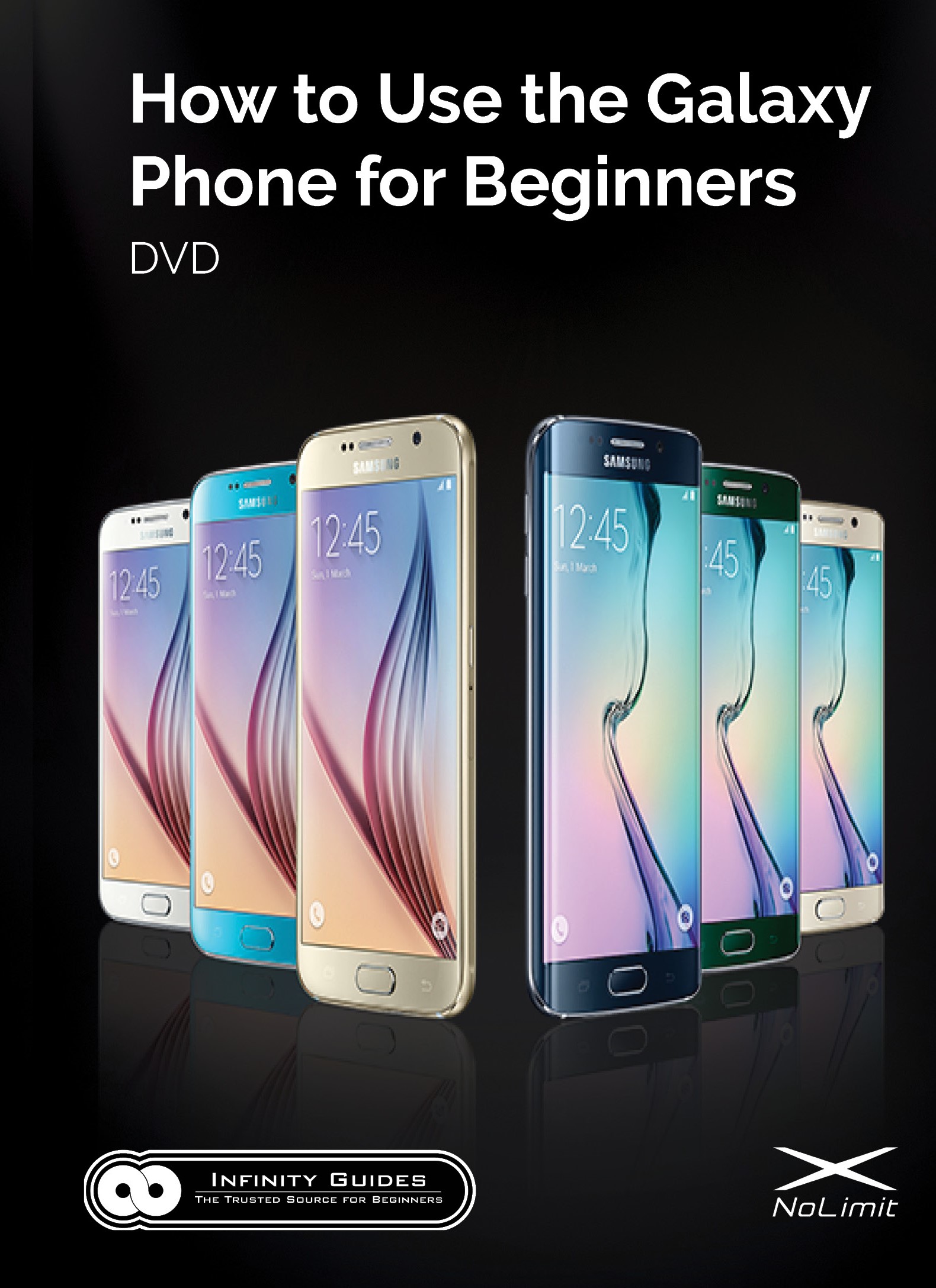
How to Use the Galaxy Phone for Beginners
Texting, calls, photos, email and apps — finally explained clearly. Become a pro at using your Samsung Galaxy phone in just 30 minutes, at your own pace.
- ✓ Step-by-step, in plain English — no tech experience needed
- ✓ Follow along with your phone in hand; pause and rewind any time
- ✓ Works with every Galaxy phone — the current guide plus versions for older phones (Android 4 through 10)
- Watch instantly after checkout
- 100% money-back guarantee
- Secure checkout by Stripe
Thousands
of people have learned their Galaxy with our guides
30 minutes
from confused to confident
1/10 the price
of an in-person phone class
Smartphones shouldn’t be this confusing
If you’ve never used a Galaxy smartphone before, even simple things — sending a text, adding a contact, sharing a photo — can be frustrating. The Play Store can get expensive if you don’t know which apps to trust, and many people never learn that a few simple settings can make their battery last much longer.
Most videos online show you what a Galaxy can do, not how to do it. Our guide is different: it starts from the very beginning and walks you through every everyday task, step by step.
What is “How to Use the Galaxy Phone for Beginners”?
It’s a 30-minute video guide made by our GVG team — Galaxy users of all ages and backgrounds — to teach the basics of the Samsung Galaxy in beginner’s terms. Follow along with your phone in hand, and by the end you’ll be comfortable surfing the web, downloading apps, making calls, texting, taking and sharing photos, personalizing your phone and exploring all its features. We guarantee it 100%.
What the guide teaches you
- Setting up your Galaxy with the best settings
- Using your fingers to navigate your phone
- Using “Motion Control”
- Importing and creating contacts
- Making and receiving calls — and everything you can do during a call
- Text messaging — sending, receiving and managing conversations
- Email — setting up, sending, receiving and managing email
- Web browsing — zooming, links, bookmarks, history and browsing speed
- Taking photos and recording video
- Editing and sharing photos, videos, web pages and files
- Personalizing — wallpapers, ringtones, vibration and brightness
- Security — lock screen, backing up contacts and apps, protecting your information
- Organizing your home screens, music, photos, videos and widgets
- The Play Store — downloading free and paid apps safely
What our customers say
“Thank you very much! As a senior citizen, I have learned to take things slow, one step at a time, as they say. This guide was perfect for me.”
“I got your guide for my parents who I know are struggling with their Galaxy phone. Well it seems to have worked well for them. I got a surprise text message from them today with a picture of Lola! (their dog). Thank you again for your excellent teaching style, I will definitely recommend your guide to others.”
“Thank you for the excellent video guide on the Samsung Galaxy! Love all the apps you can use on this phone. Also, thanks for the tips on using e-mail and surfing the internet, really helpful!”
“I am in your debt! Your video really helped me when I thought I was going to just return the phone. My boss got my entire office your guide and I couldn’t be more grateful. Thank you again for an excellent product.”
Devices covered
Made for Android 11 and newer (One UI 3 and up). Works with every carrier. Have an older phone? Your purchase also includes our guides for Android 4 through 10.
- Galaxy S25 (all models)
- Galaxy S24 (all models)
- Galaxy S23 (all models)
- Galaxy S22 (all models)
- Galaxy S21 (all models)
- Galaxy S20 (all models)
- Galaxy S10, S10+ & S10e
- Galaxy Z Fold7, Fold6, Fold5, Fold4 & Fold3
- Galaxy Z Flip7, Flip6, Flip5, Flip4 & Flip3
- Galaxy Note20 & Note10
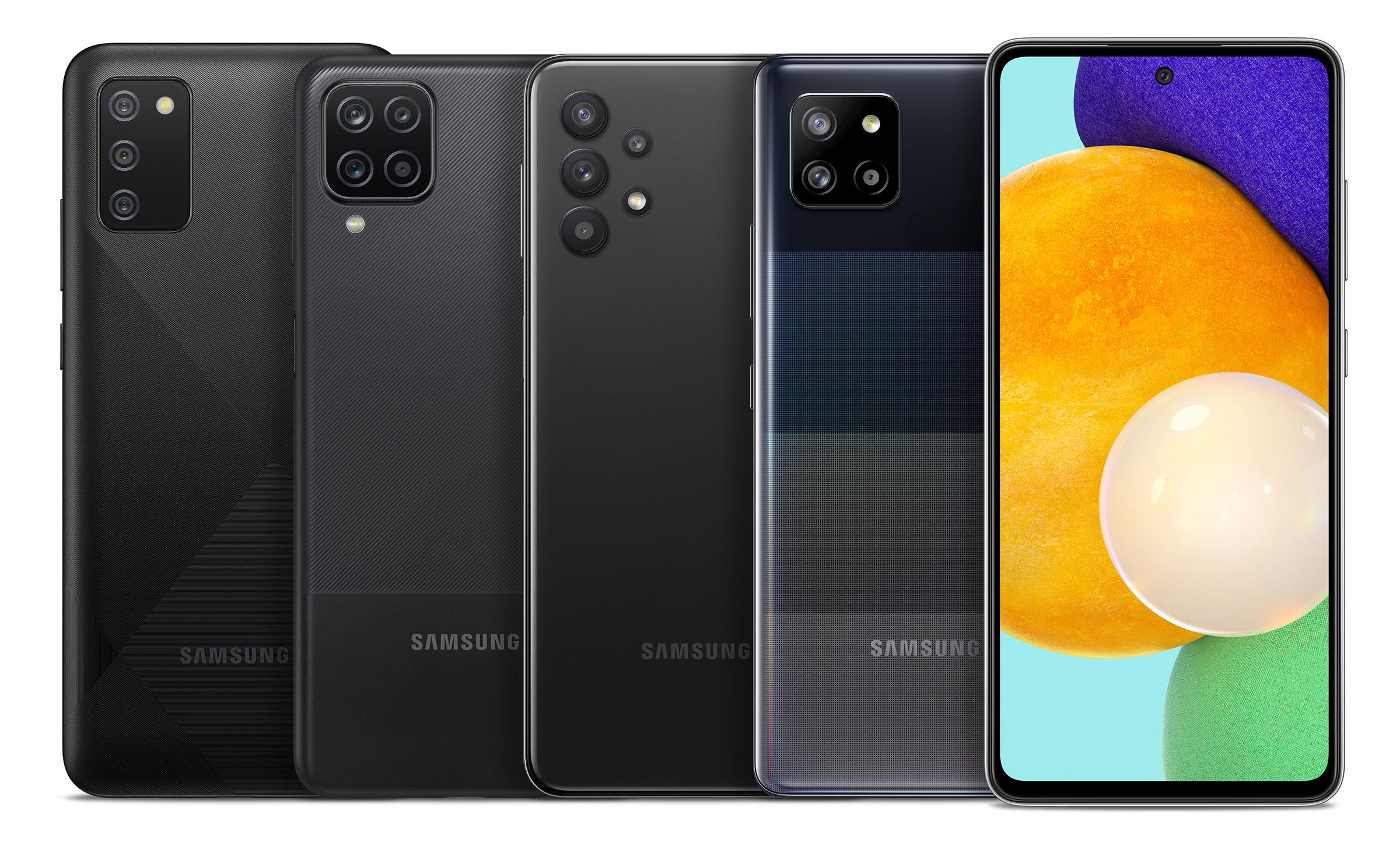
- Galaxy A16, A26, A36 & A56
- Galaxy A15, A25, A35 & A55
- Galaxy A14, A24, A34 & A54
- Galaxy A13, A23, A33 & A53
- Galaxy A12, A22, A32, A42, A52 & A72
- Galaxy A02, A03 & A11, A21, A31, A51, A71
- Galaxy M & F series on Android 11 or newer
Ready to master your Galaxy phone in 30 minutes?
Less than the price of a premium app. Watch instantly, as many times as you like for a full year.
One-time payment · 100% money-back guarantee · Secure checkout by Stripe
100% Satisfaction Guarantee
If you're not happy with your video guide for any reason, email us within 14 days and we'll refund you in full. No hassle, no questions asked.
Common questions
How do I watch the guide after I buy?+
Right away. After checkout you go straight to a page where the video starts playing, and we email you a link so you can come back any time. It plays in any web browser — on your phone, a computer, or a smart TV.
Is this a subscription?+
No. It’s a single payment of $8.99 with no auto-renewal. You get a full year to watch the guide as many times as you like.
Will it work with my Galaxy phone?+
Yes. The main guide is made for Android 11 and newer (One UI 3 and up), which covers the models listed on this page — and if your phone is older, your purchase also includes our versions for Android 4 through 10. You pick the right one on your watch page. Not sure which you have? Open Settings → About phone → Software information and look for “Android version.”
What if it isn’t right for me?+
Email us within 14 days and we’ll refund your purchase in full. That’s our 100% Satisfaction Guarantee.
More answers on our FAQ page.
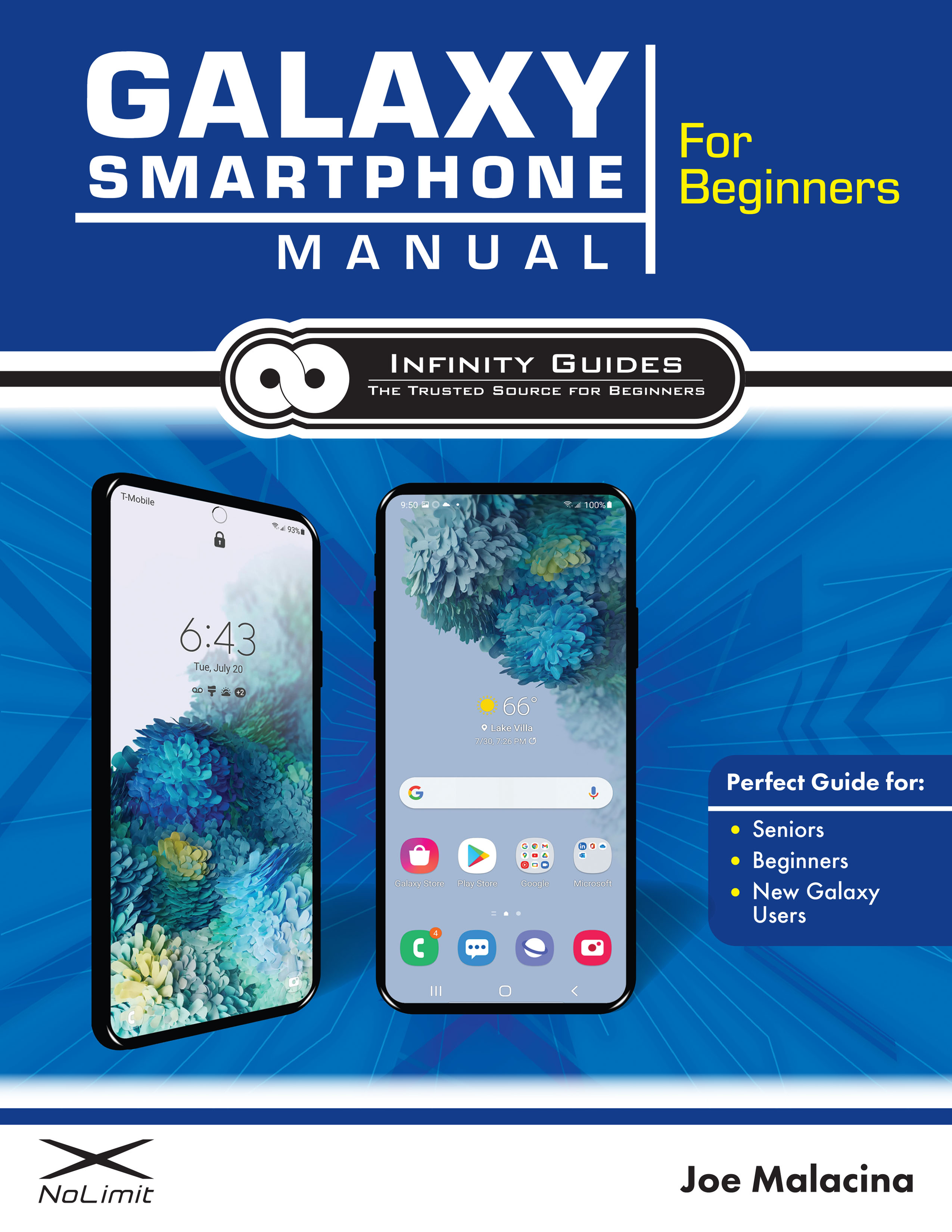
Prefer something you can hold?
Galaxy Phone Video Guide
$8.99 · instant access